Follow the Rainfall
Rainfall & Land Management
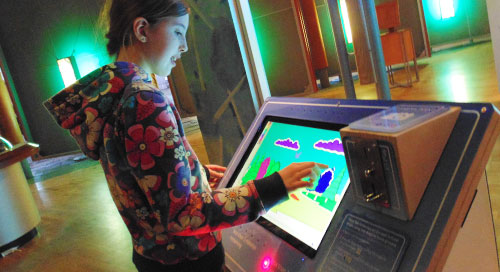
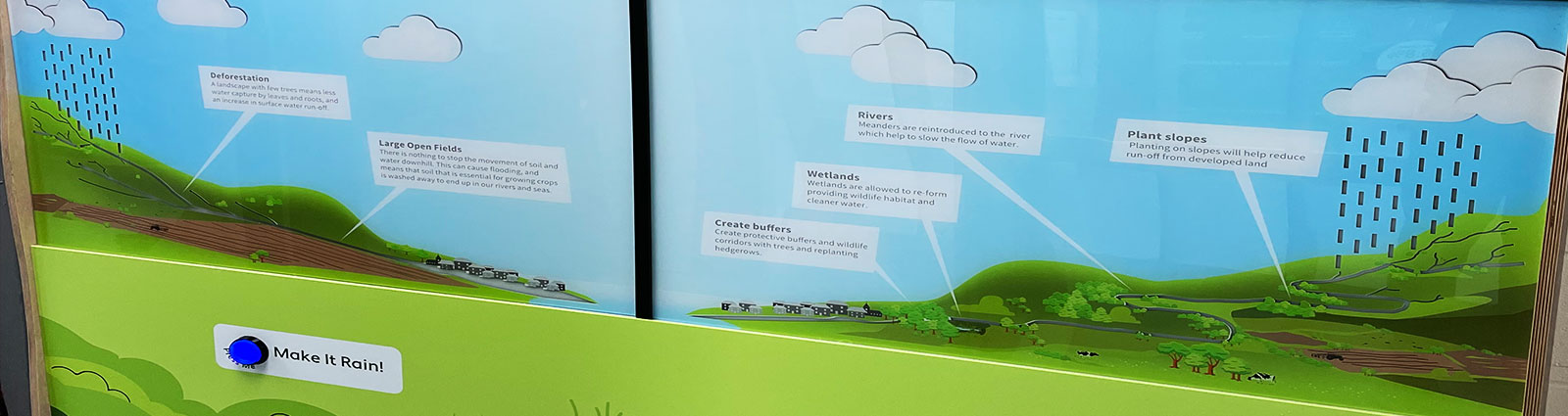
Press the button to make it rain and compare two landscapes. Created for Forest for Cornwall, this interactive explains how changes to land and waterways can alter runoff and contribute to flooding.
The split display presents contrasting scenarios so visitors can see how landscape management affects the route water takes. The interpretation covers changes such as hard surfaces and interventions in streams, linking individual features to the wider flow of rainwater.
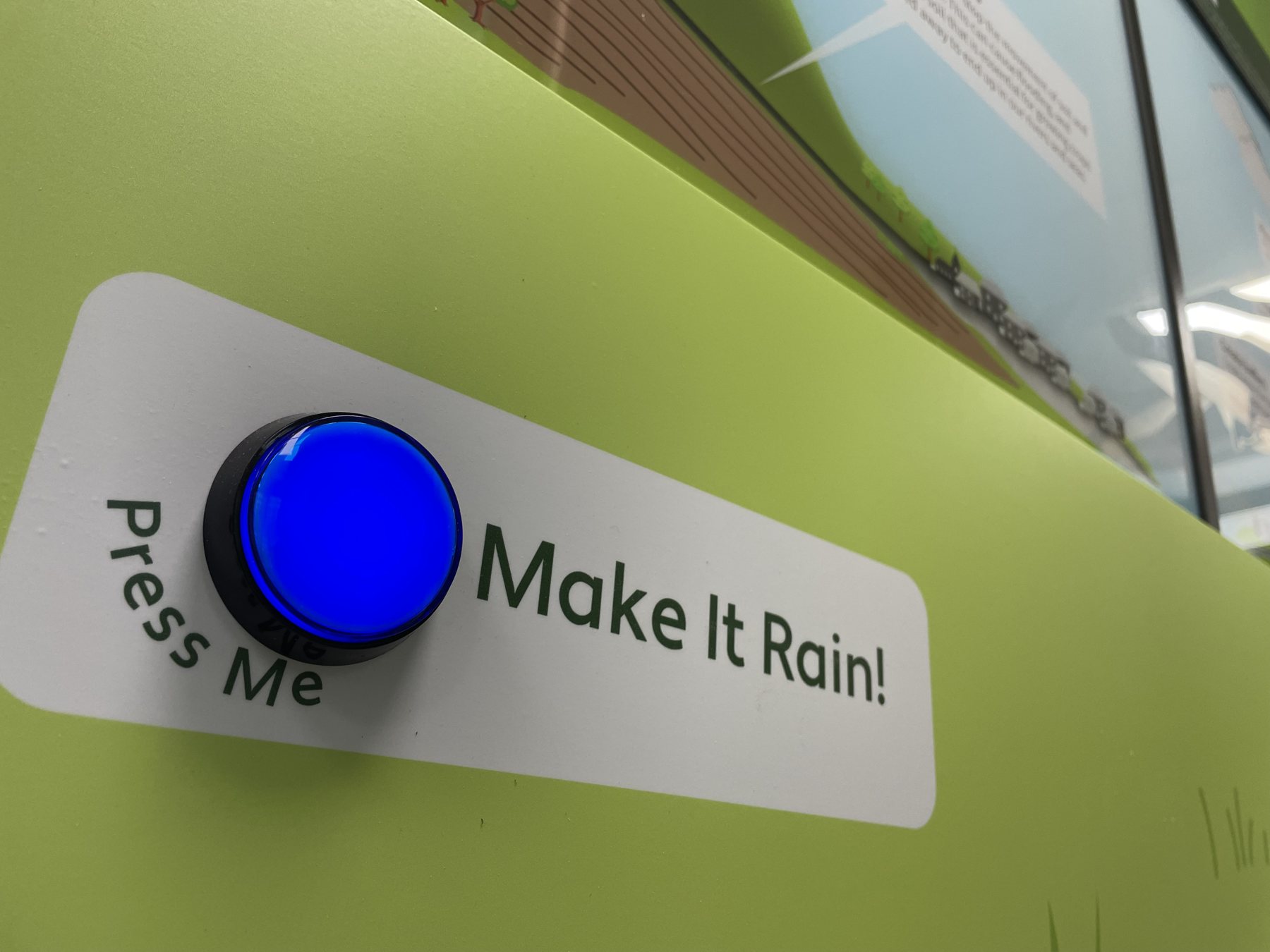
The “Make It Rain!” control provides a simple starting point. Illuminated routes and an illustrated landscape then give visitors a visual comparison to explore, creating an environmental education exhibit that connects a button press with a recognisable process.
Explore the interactive
The rainfall demonstration connects a familiar event with the less visible routes water takes through a landscape. Starting the sequence with one button makes it easy to begin, while the two scenarios invite a closer comparison. The model and illuminated routes support conversations about land management, helping visitors relate the interpretation to the roads, buildings, streams and green spaces they recognise around them.
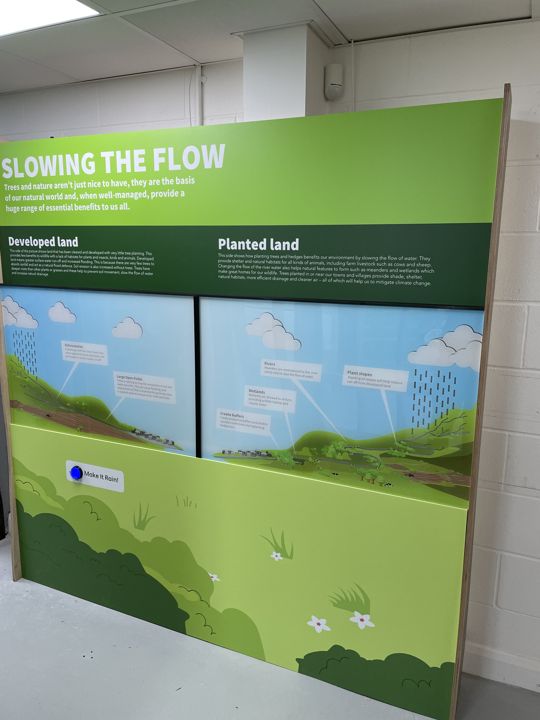
The split landscape display with its rainfall control. Created for Forest for Cornwall, the environmental display lets visitors compare how rainwater moves through two different landscape scenarios.
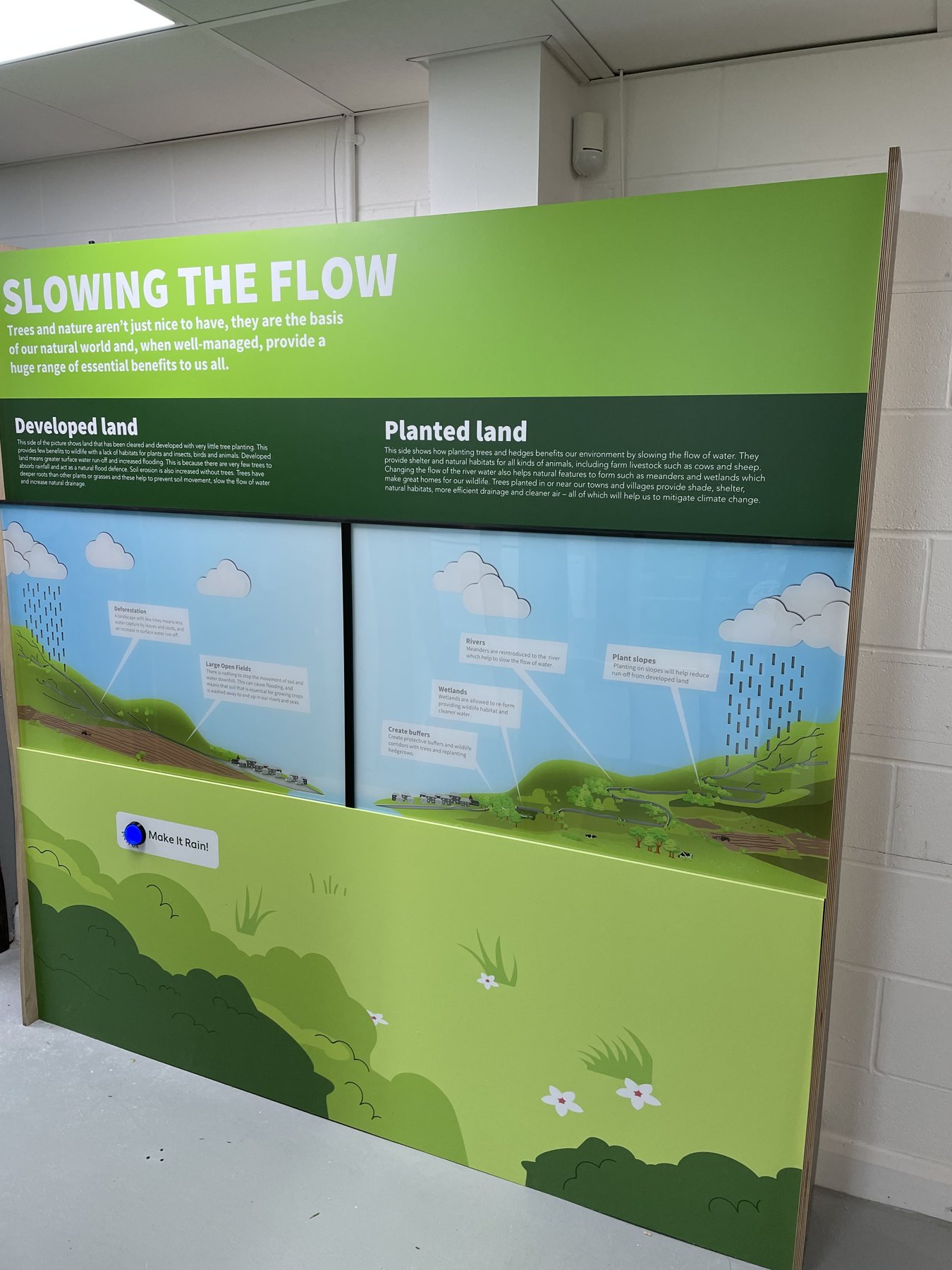
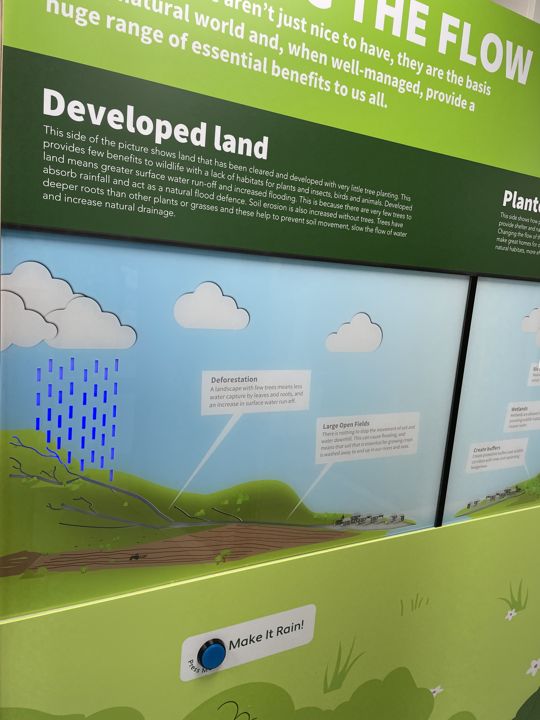
Interpretation explaining the developed-land scenario. The graphics explain how changes to land and waterways affect runoff, linking recognisable landscape features with the wider flooding story.
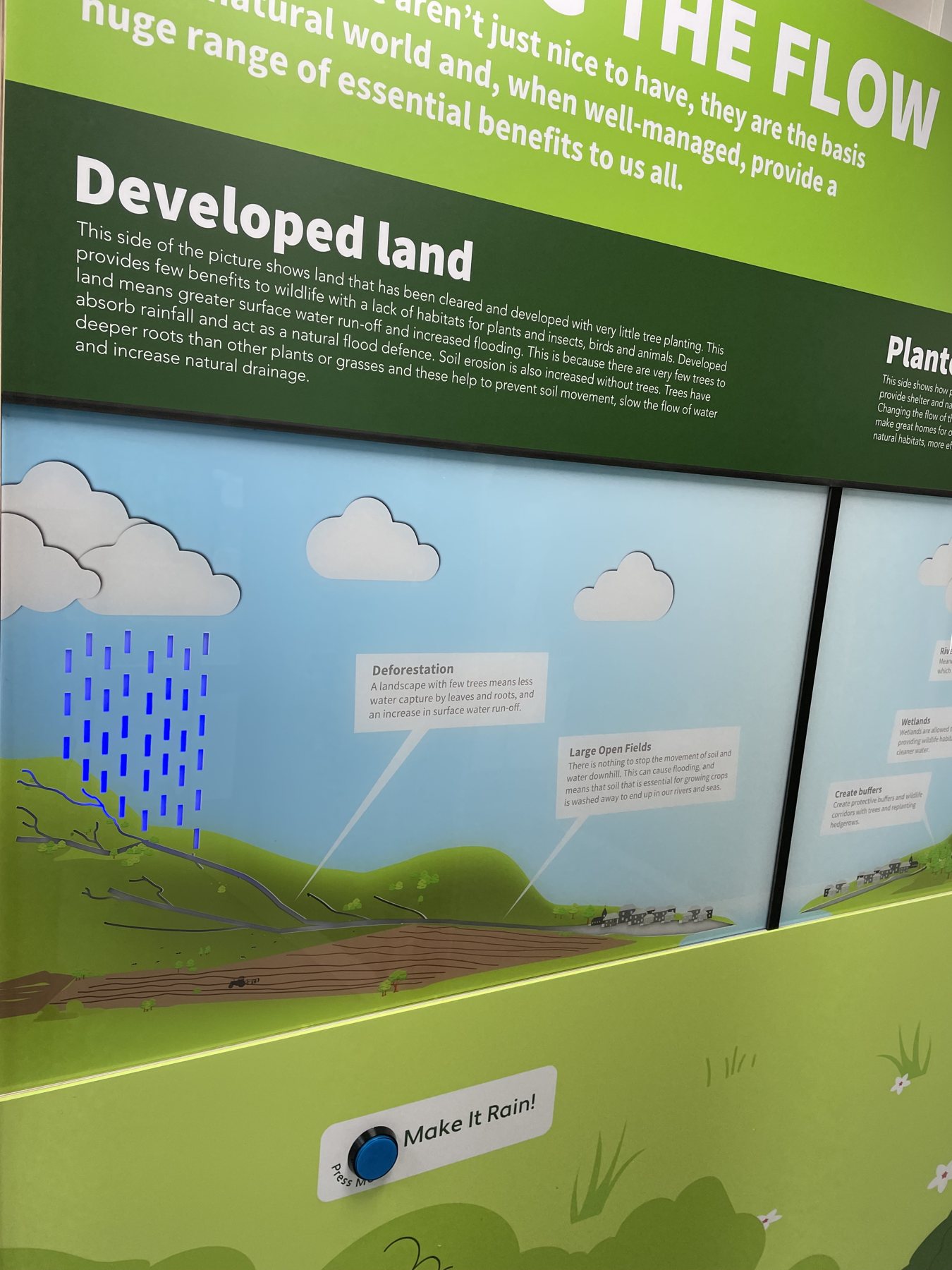
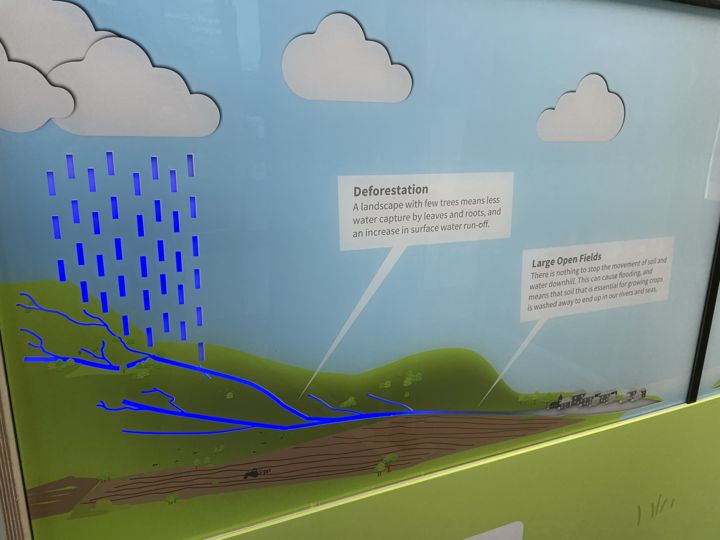
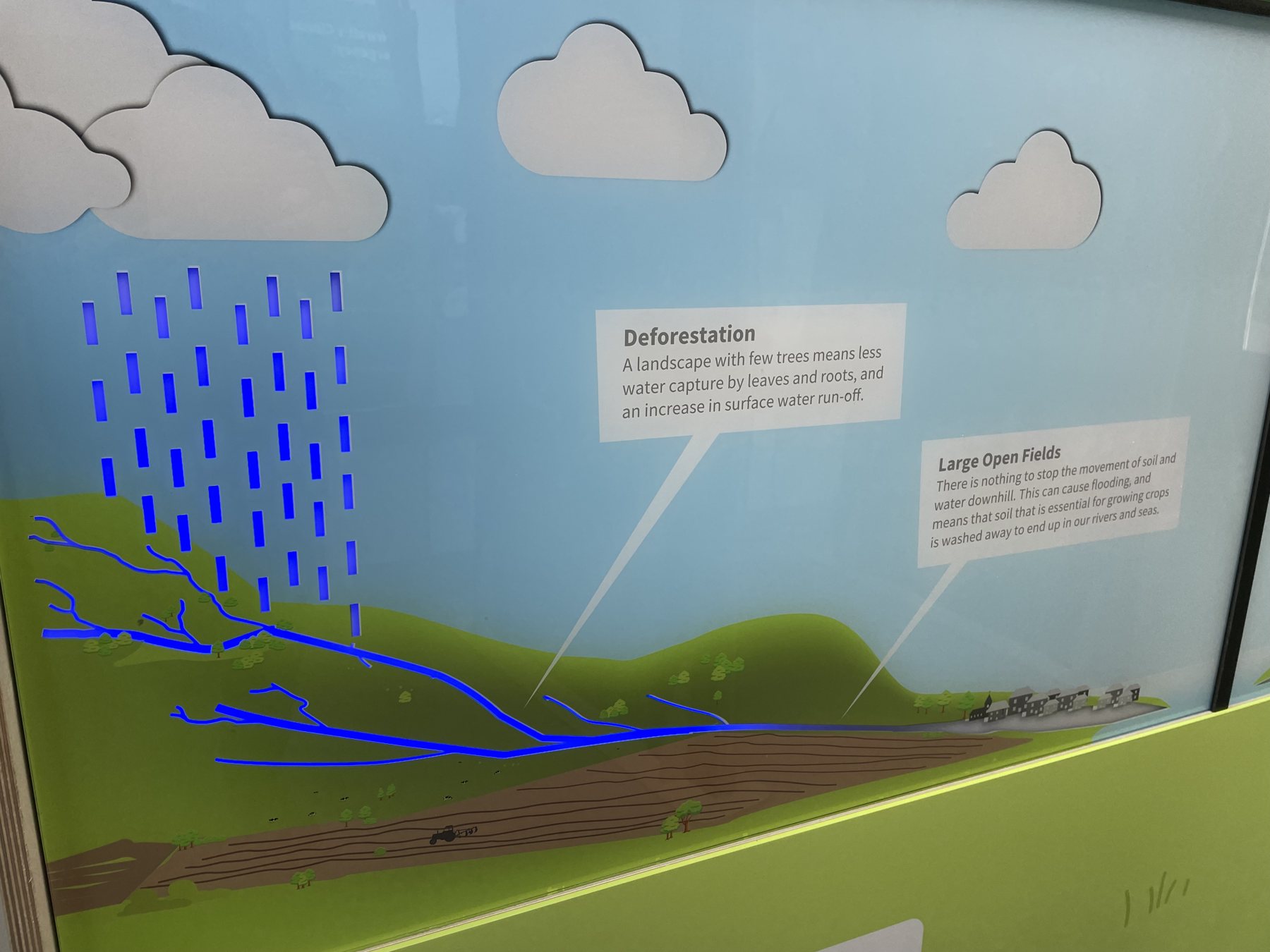
Illuminated water routes across the landscape. Illuminated paths make water movement visible across the model, helping visitors connect land management choices with the route that rainfall takes.
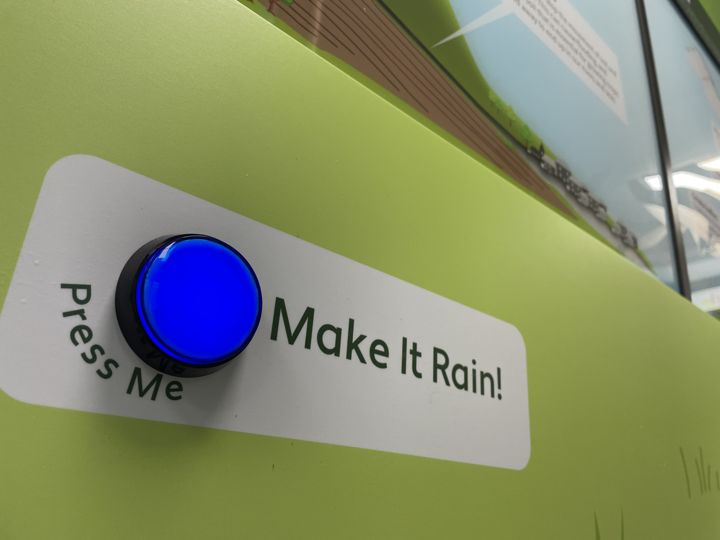
The push-button control used to start the rainfall demonstration. The ‘Make It Rain!’ button gives this visitor centre interactive a clear starting point, inviting people to explore cause and effect for themselves.
Back to Interactives
Develop the right interactive approach for you...
We begin with your story, audience, space and objectives. You don’t need to arrive with a finished brief. We test mechanisms, controls and user interactions and deliver the completed experience.